Can a Mac read XFS drives directly?
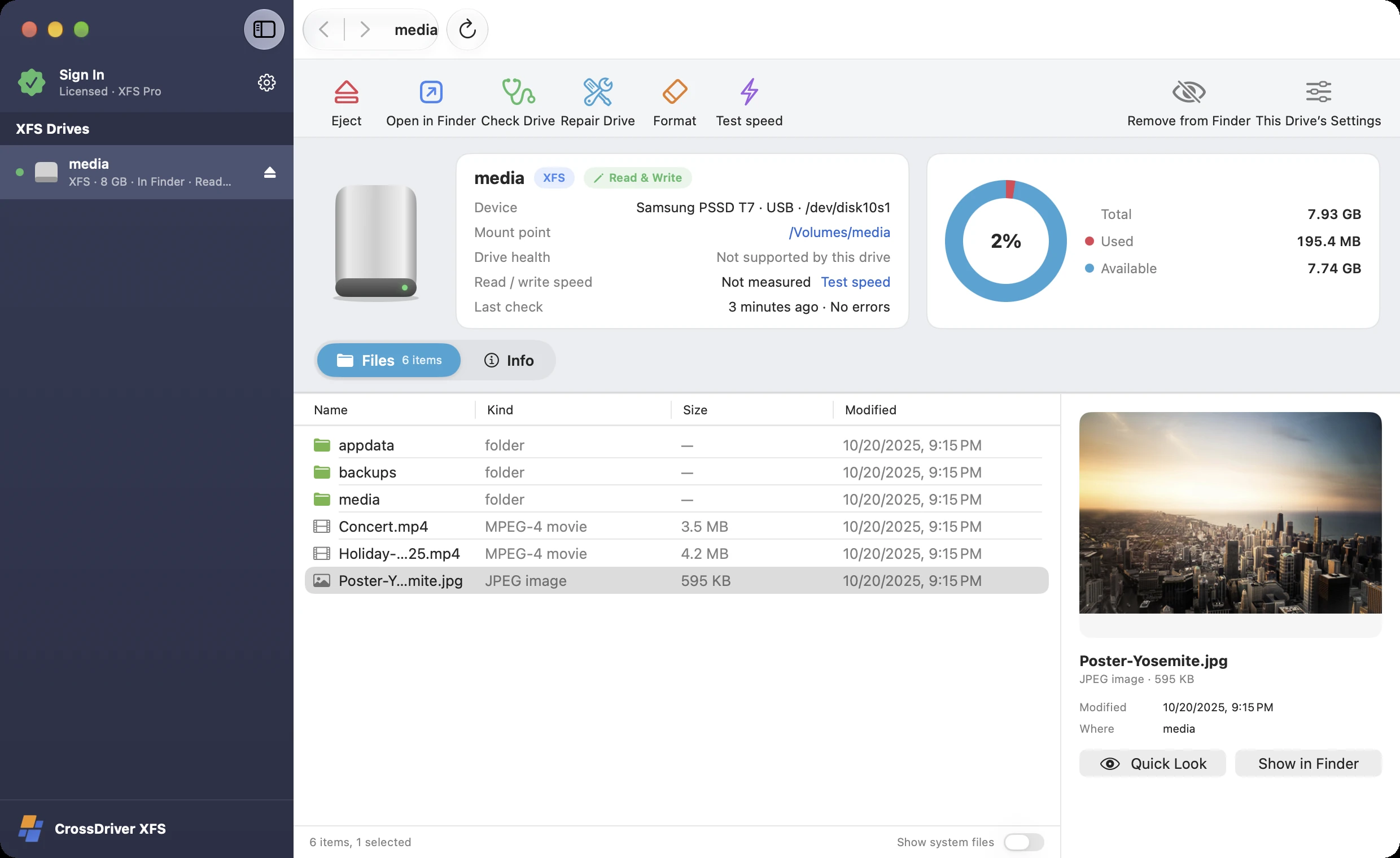
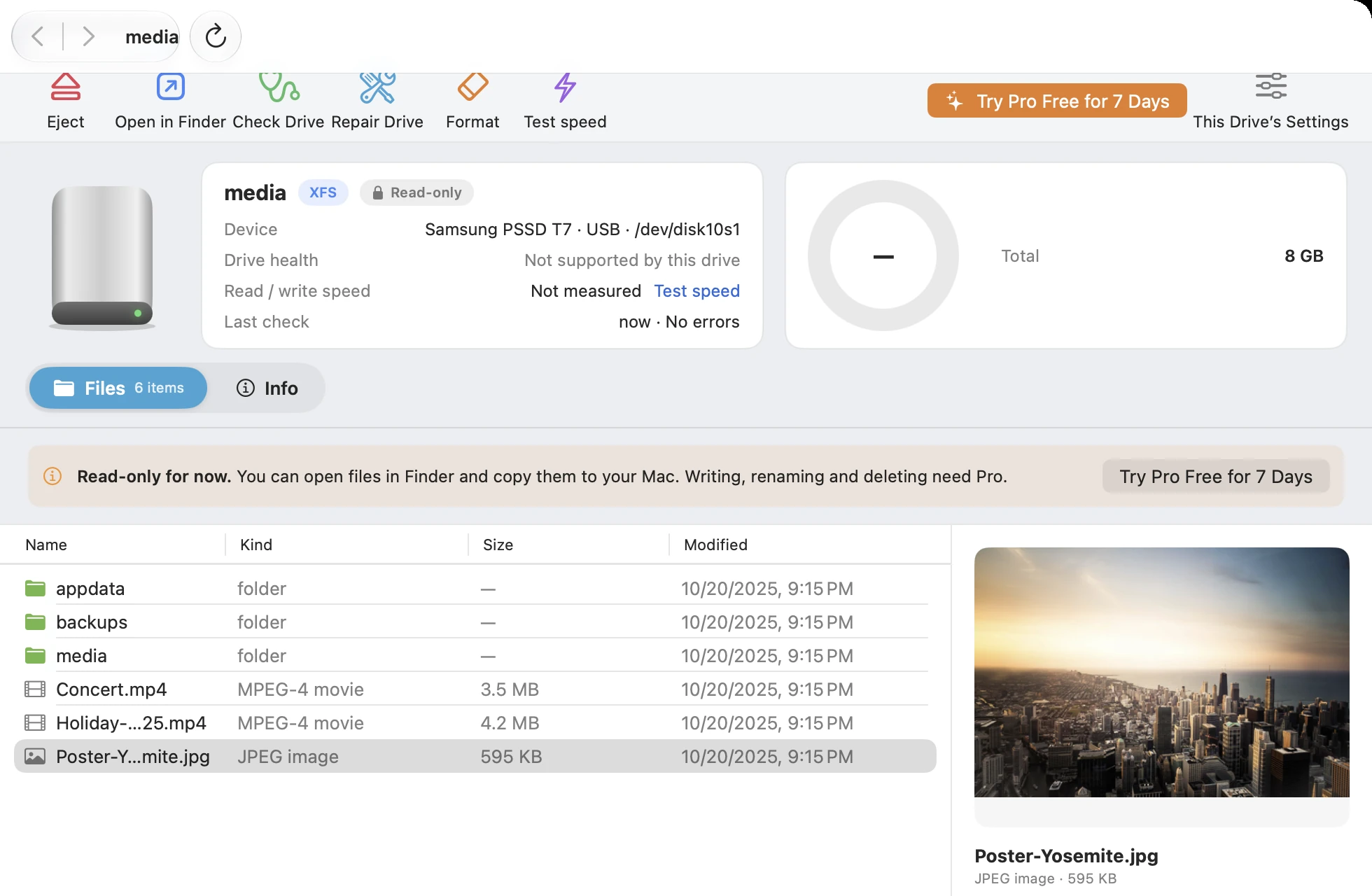
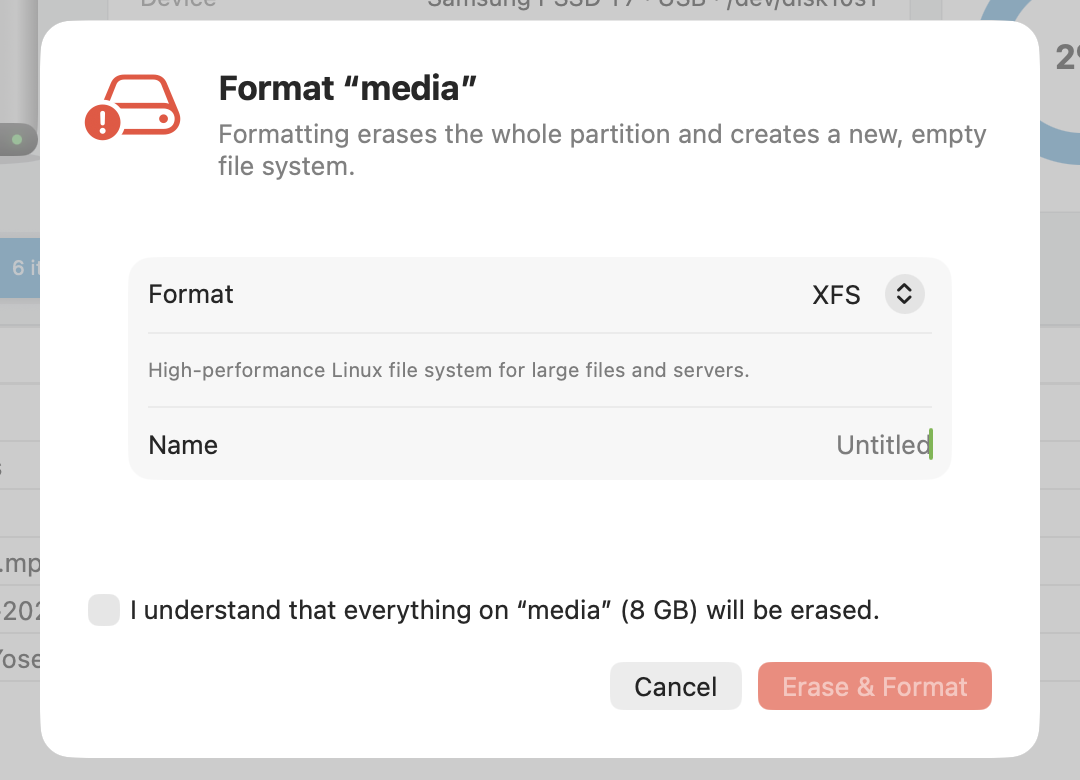
macOS doesn't support XFS natively, so when you plug one in you'll see "The disk you attached was not readable by this computer." Click "Ignore". Once CrossDriver XFS is installed, XFS disks appear in the sidebar; the free version lets you browse and copy read-only in Finder, and Pro adds writing, repair and formatting. For the steps, see How to open Ext4, XFS and other Linux drives on a Mac.
Can it open XFS from older servers?
XFS created by default on major distributions since around 2015 (v5 format) opens fine. The older v4 format has been deprecated by Linux and isn't supported yet.
What tool does check and repair use?
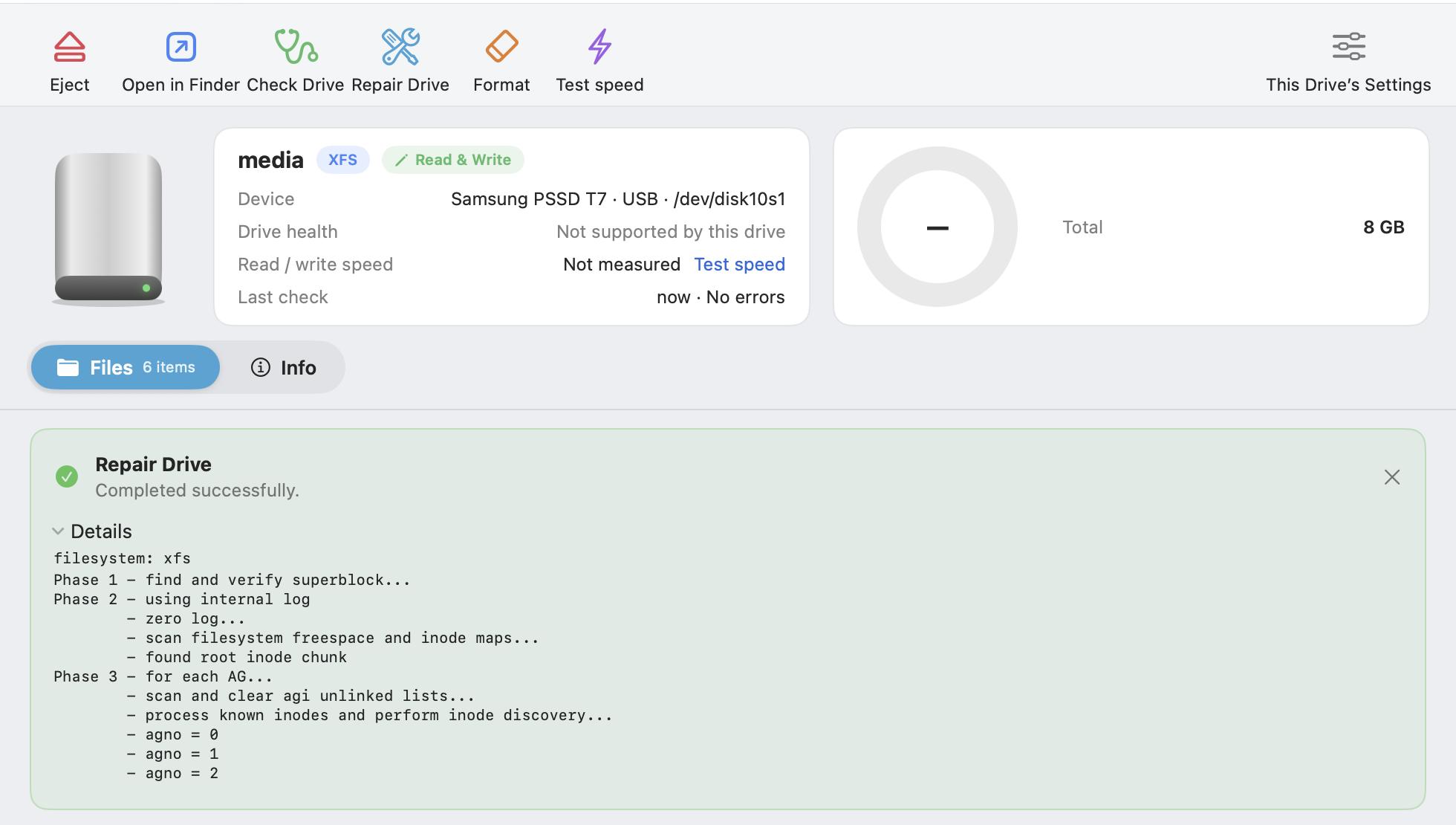
It's xfs_repair, the official Linux tool — exactly the same as running it on a Linux server, with progress and full logs visible.
Are reflink and bigtime supported?
Yes. Disks are read and written by the Linux kernel's native XFS driver.
How many disks can I open at once?
One at a time for now. When you switch to another disk, the current one is saved and ejected first.
After writing to an Unraid data drive on a Mac, can I put it back in the array?
Yes, but writing outside the array leaves the parity drive out of sync with the data drive, so run a Parity Check after you put it back. If you just need to retrieve files, opening it read-only with the free version is enough.
Can I open Unraid data drives directly?
Yes. Each data disk in an Unraid array has its own independent file system, so an XFS data disk can be opened on its own with CrossDriver XFS. The parity disk has no file system and doesn't need to be opened.
Does it work on M1–M6 Macs? Do I need to disable SIP or install a kernel extension?
Yes, it works — and no, you don't. CrossDriver runs natively on Apple silicon Macs such as M1–M6 as well as Intel Macs, on macOS 12 Monterey, 13 Ventura, 14 Sonoma, 15 Sequoia, 26 Tahoe and later. It uses macOS's built-in virtualization framework to run an isolated, lightweight engine that reads and writes your disks — no kernel extension, no disabling SIP, no changes to any security settings, and no restart after installing.
Can I try Pro first?
Yes. CrossDriver NTFS, Ext4, XFS and All in One all offer a free 7-day Pro trial in the app — once per Mac, no payment details required. After the trial ends, your disks remain accessible read-only and your files are unaffected.
How is it different from the Classic edition on crossdriver.com?
Classic is CrossDriver's kernel edition: it runs as a kernel extension and is the fastest, but requires lowering system security on Apple silicon Macs. The new generation doesn't rely on kernel extensions, runs at near-kernel speed, gives read-only access in Finder even in the free version, and has repair, formatting and encrypted-disk unlocking built in — at two-thirds the price of Classic. Both generations remain available; if you've already bought Classic, please refer to the Classic product page.
What should I do before unplugging?
Click "Eject" in the sidebar or on the disk page. CrossDriver writes your changes back to the disk first, then lets you know it's safe to unplug.
If I buy All in One, do I still need to buy NTFS, Ext4 or XFS separately?
No. An All in One Pro license also covers CrossDriver NTFS, Ext4 and XFS.
Does it work with Seagate, WD (Western Digital), Toshiba, Samsung T7, SanDisk and other brands?
Yes. Whether a disk opens depends only on its format, not on brand, capacity or connection: external hard drives, portable SSDs, USB flash drives, SD cards, and SATA / NVMe drives in an enclosure all work, over USB or Thunderbolt.