Can I recover files deleted from a USB stick?
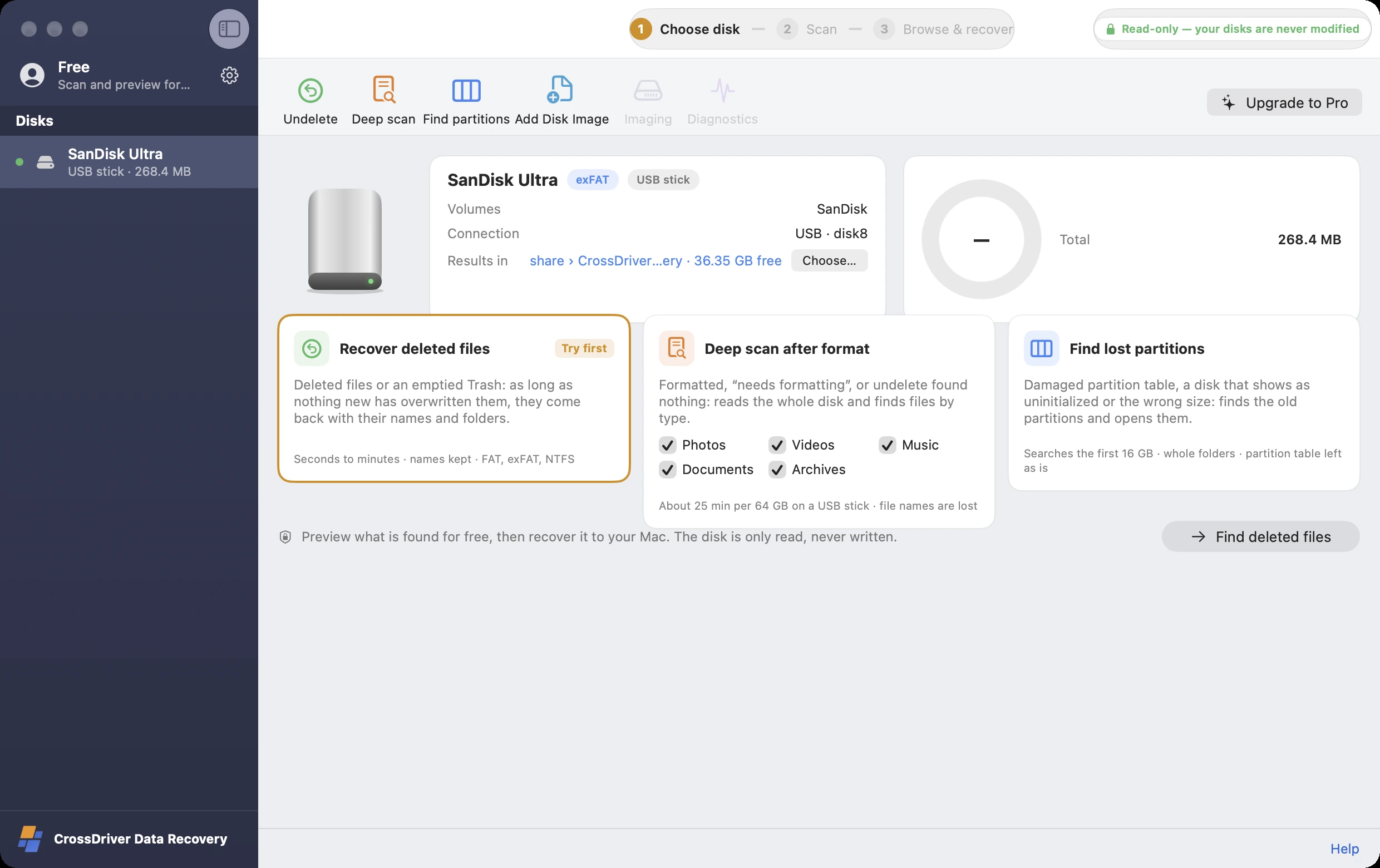
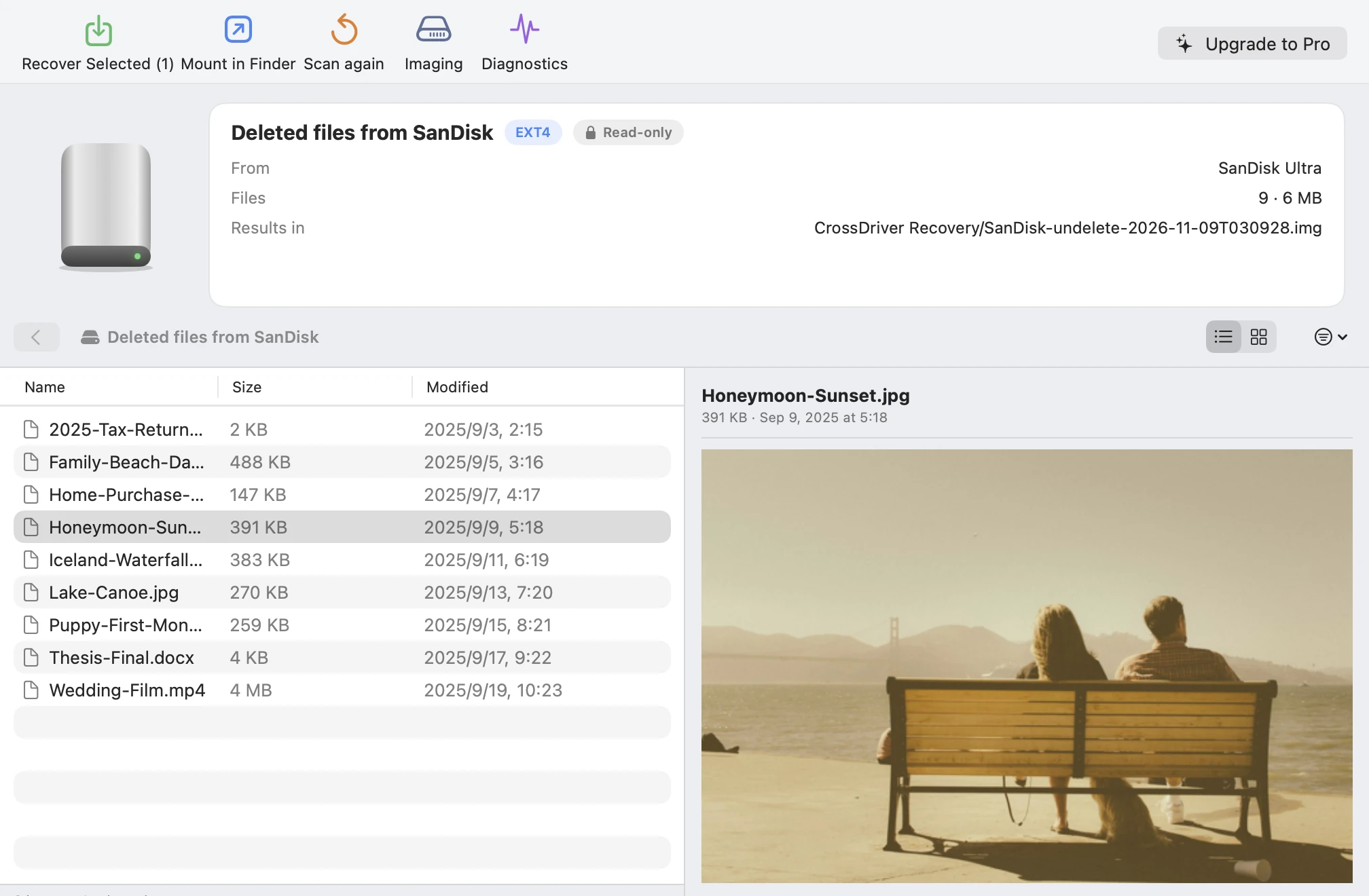
Usually, yes. Deleting only erases the directory entry; the file contents remain until new data overwrites them. Stop writing to the USB stick and scan it with “Undelete.” On FAT32, exFAT, and NTFS USB sticks, files come back with their original names and folders.
I emptied the Trash on my Mac. Can I get the files back?
For files on a USB stick, SD card, or external drive, yes: use “Undelete” after the Trash is emptied. Your Mac’s internal APFS disk uses encryption and TRIM, so deleted files there are very hard to recover; restore from a Time Machine backup instead.
Can I recover files from a formatted USB stick or SD card?
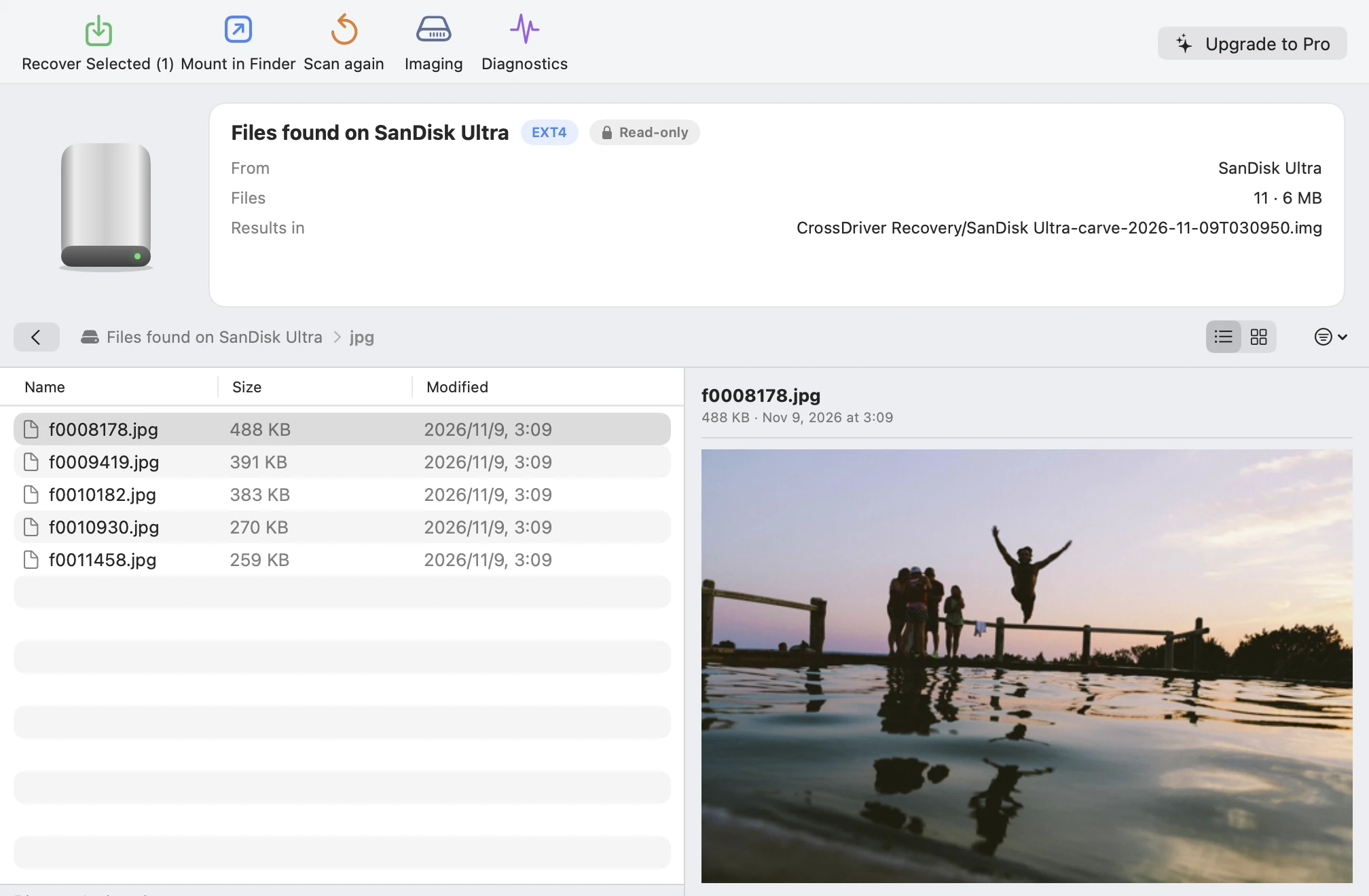
After a quick format, usually yes: “Deep scan” reads the whole disk block by block and recovers photos, videos, documents, and more by type, though original file names and folders can’t be restored. A full format (with “Quick Format” unchecked on Windows) fills the disk with zeros, and then nothing can be recovered.
My camera’s SD card was formatted. Can the photos be recovered?
A camera’s “Format” is usually a quick format, so the photos are most likely still there. Stop shooting on the card, then run a deep scan with “Photos” and “Videos” selected. JPG, HEIC, common RAW formats, MP4, and MOV are all recognized.
It says “needs to be formatted” when I plug it in. What should I do?
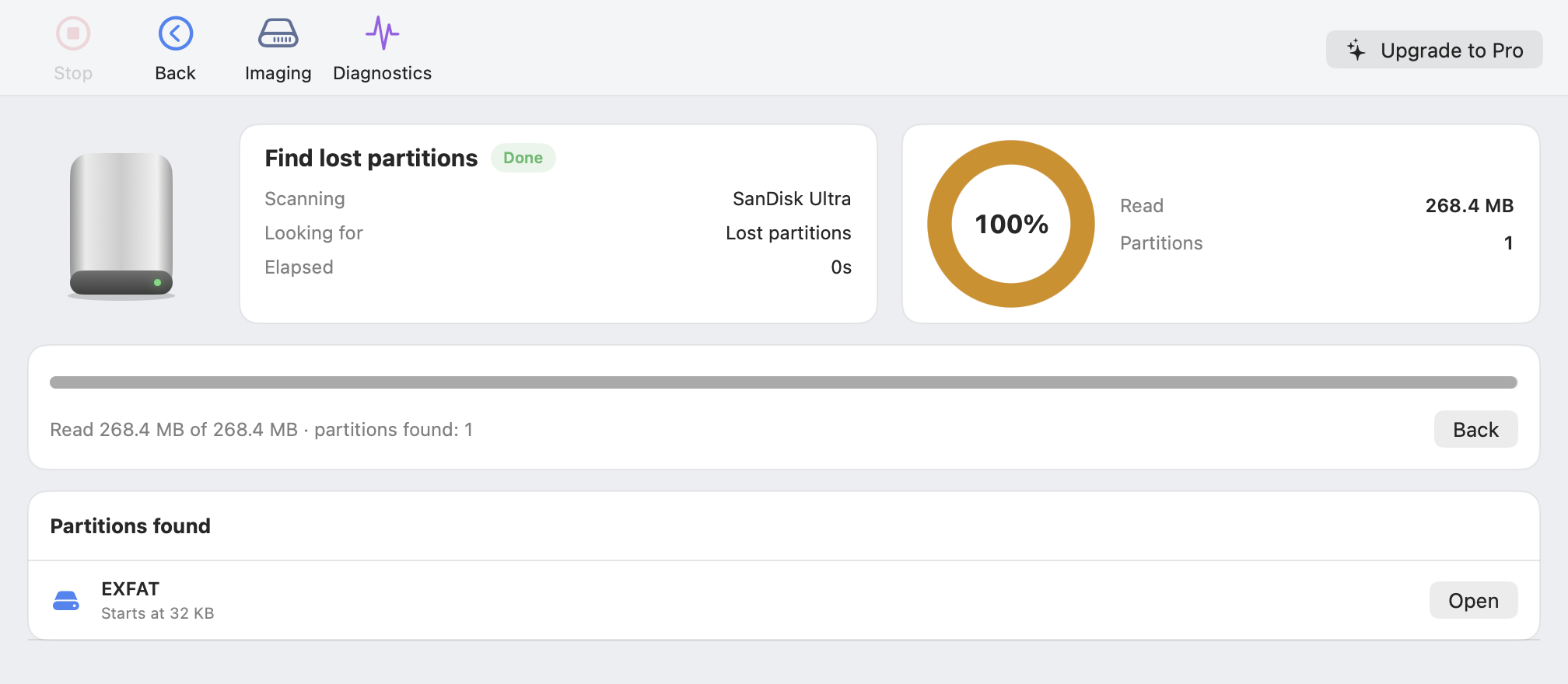
Don’t format it yet. Scan it read-only with “Find lost partitions” or “Deep scan,” recover whatever files you can, and only then consider formatting. For detailed steps, see USB drive says it needs to be formatted.
How long does a scan take?
Undelete usually takes seconds to minutes. A deep scan reads the whole disk, so it depends on capacity and speed: about 25 minutes for a 64 GB USB stick. Find partitions searches the first 16 GB of the disk first.
Where are found files stored, and how much space do they take?
In the workspace you choose (by default, the app’s own folder). We recommend another disk with enough free space. A deep scan uses as much space as it finds, up to nearly the size of the source disk; if space runs low, it stops automatically, and you can still browse the files found so far.
How is it different from NAS Rescue?
Data Recovery is built for single USB sticks, SD cards, and external drives, and costs less. NAS Rescue can also rebuild RAID, LVM, and ZFS from Synology, QNAP, and other NAS, and includes everything in Data Recovery: buy NAS Rescue Pro, and Data Recovery is unlocked too.
Could it damage my disk?
No. The source disk stays read-only throughout. Found partitions are opened in memory only, without rewriting the partition table, and recovered files are written to another disk you choose.
Do I need to install a kernel extension or disable SIP?
No. Data Recovery uses the Virtualization framework built into macOS to read disks inside an isolated, lightweight Linux environment.
When should I go to a professional?
If a drive makes strange noises, won’t spin up, or keeps disconnecting, or if no computer detects it at all or its capacity shows as 0, it most likely has a physical fault. Stop powering it and contact a professional data recovery service.